Overview
This tutorial requires Fides Cloud or Fides Enterprise. For more information, talk to our solutions team. (opens in a new tab)
Custom request fields let you collect extra information from data subjects when they file a privacy request — for example, a state of residence, supporting documents, or the reason behind the request.
This section covers everything you need to add and manage custom fields on your intake form:
- Configuration — enable the feature and add fields to your Privacy Center.
- Conditional Display and Validation — show or hide fields based on other answers in the form.
- Attachments — add file upload fields, control accepted file types and sizes, and enable file uploads in your deployment.
Collecting custom field information
Once custom fields have been configured, your consumer will be presented with the new options when filing a privacy request.
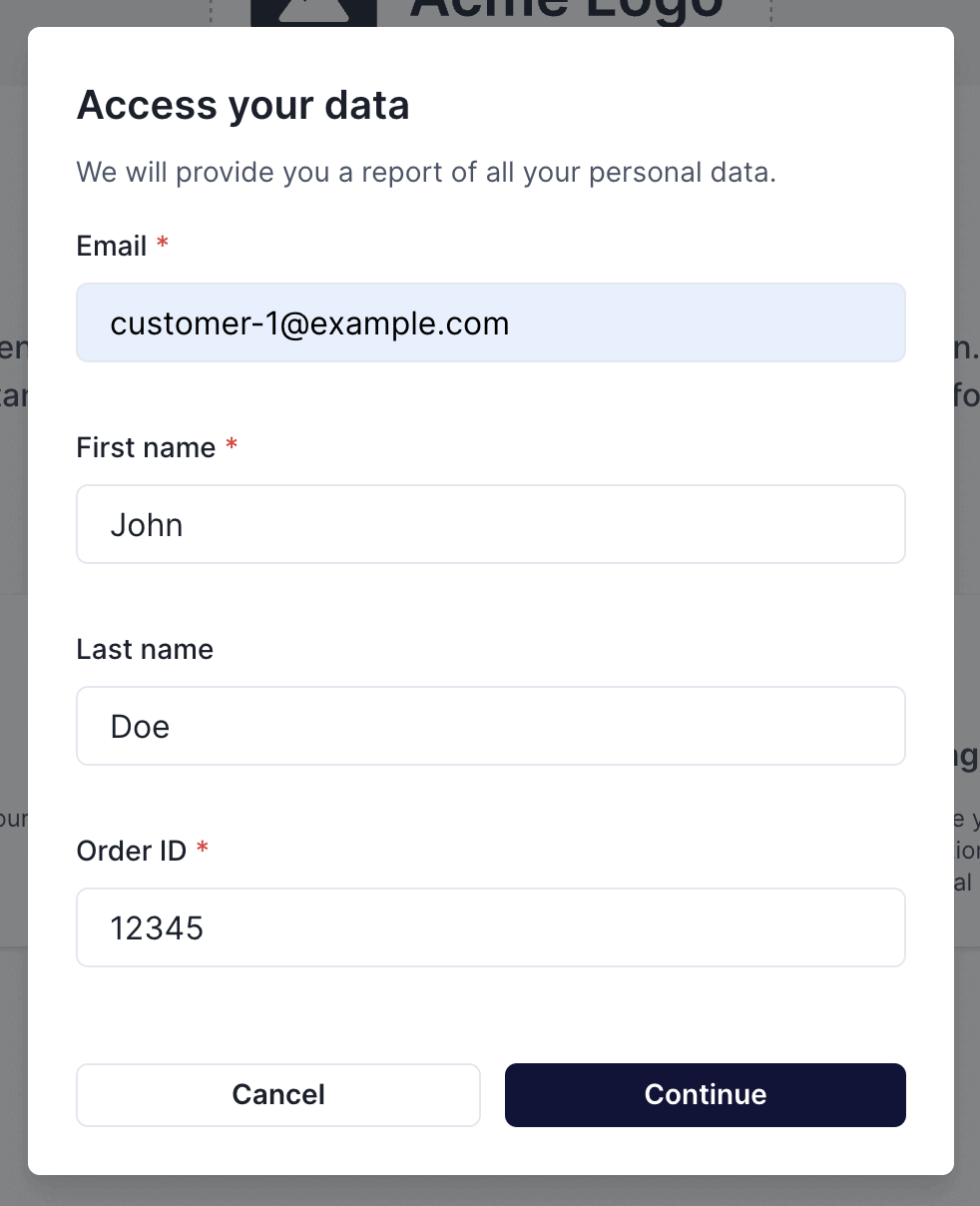
These custom fields will appear in the Privacy Center and Admin UI.
Reviewing custom field information
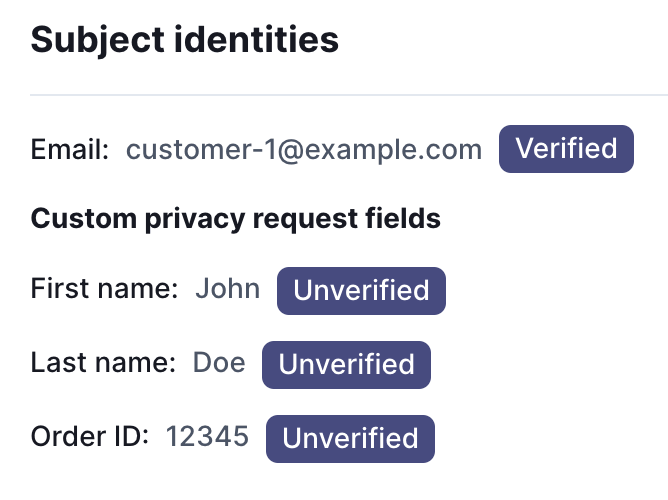
When reviewing privacy requests, the custom fields that were collected from the Privacy Center will appear in the privacy request detail.